

Block right now
Start a focus session when you need space immediately. Choose a flexible exit or add a pause before you can stop.
Block distracting apps, set limits that fit your day, and understand your Screen Time without sending it anywhere.
A calmer kind of app blocker
Start a focus session when you need space immediately. Choose a flexible exit or add a pause before you can stop.
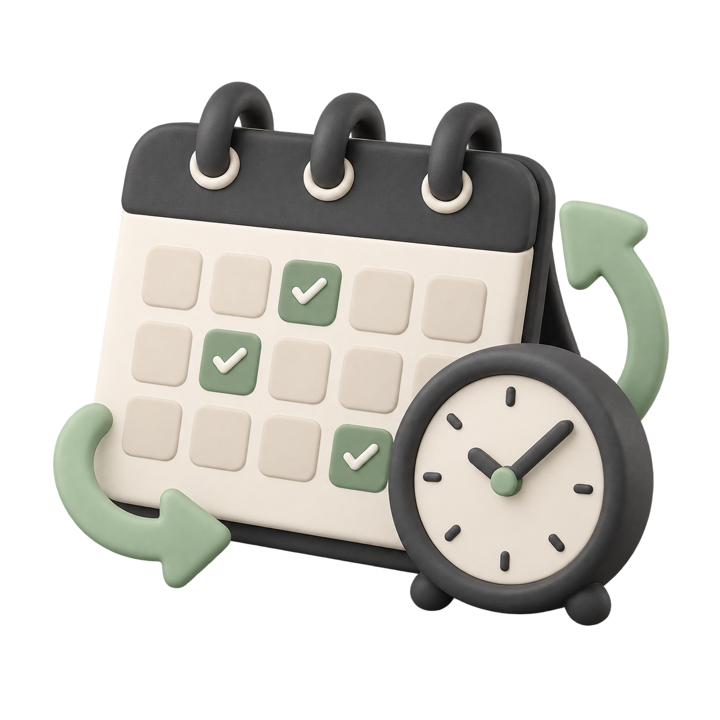
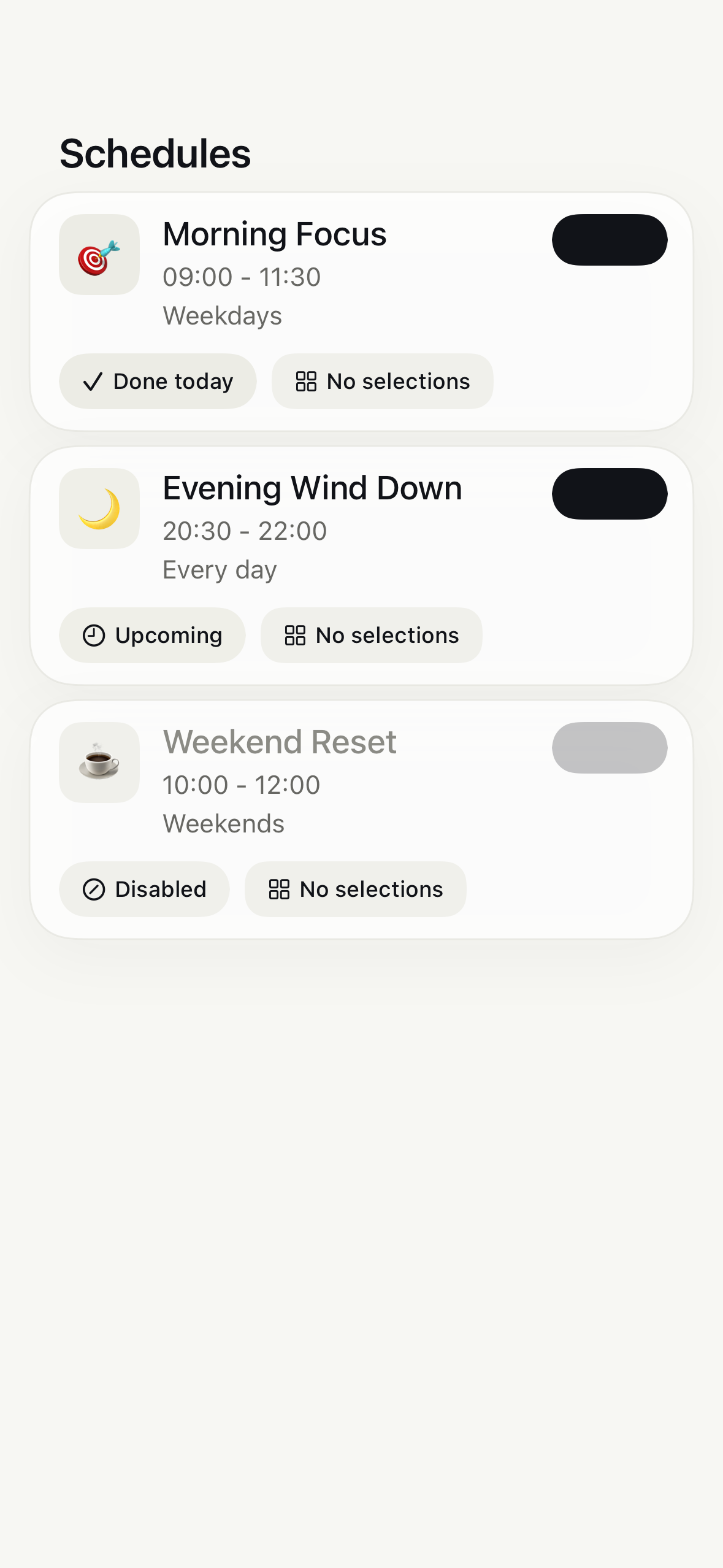
Create recurring blocks for work, mornings, evenings, or any window that deserves your attention.
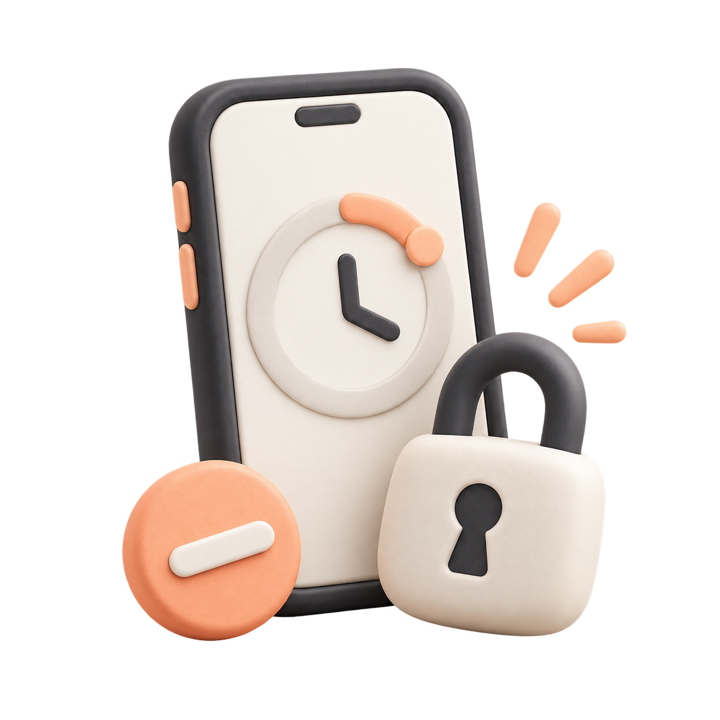
Limit daily time or app opens, then let FocusRabbit keep watch using Apple’s Screen Time tools.
Clear controls
Start a session for right now, save a recurring schedule, or create a daily limit. Focused sessions can add a short pause before you stop, giving the impulse time to pass.
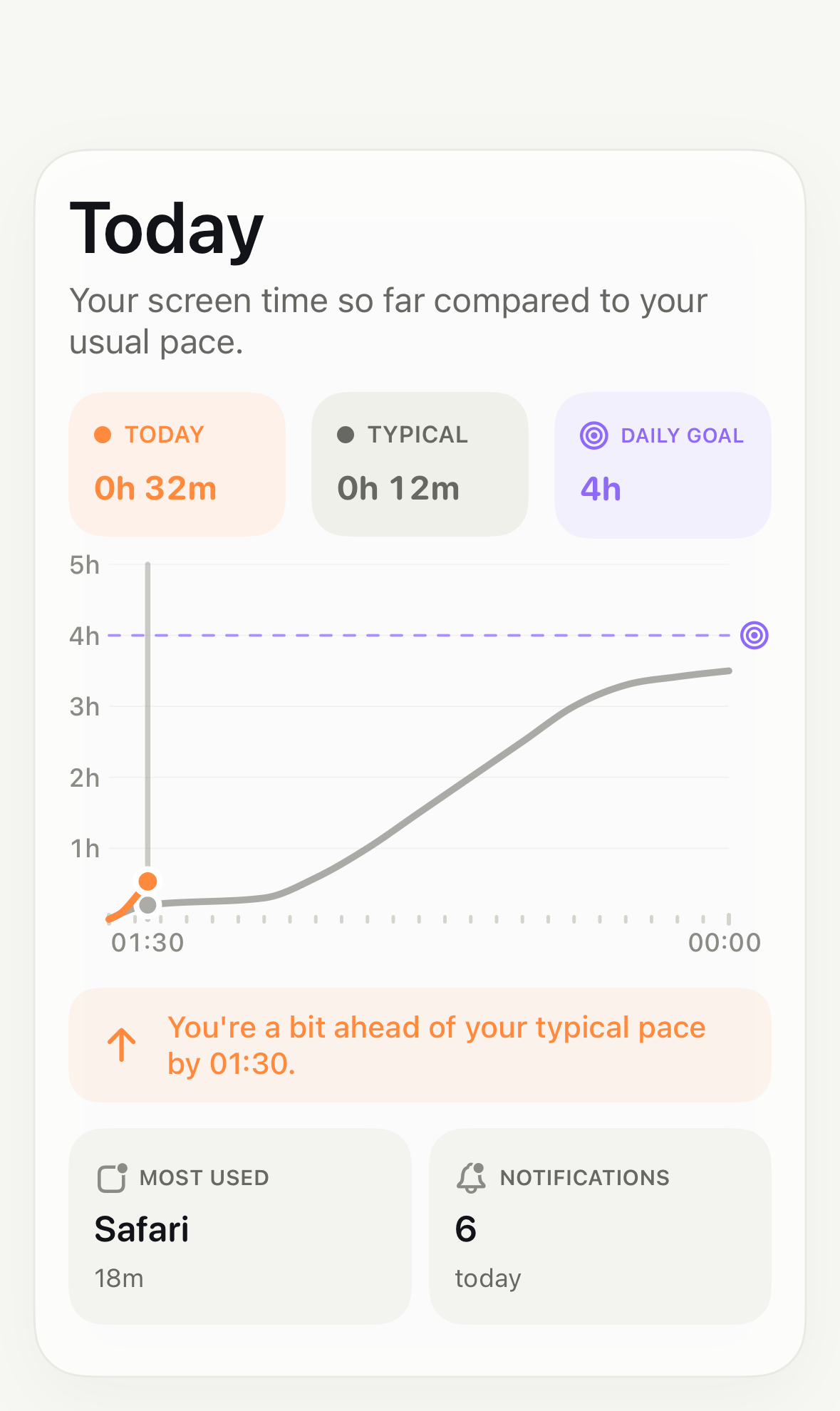
A clearer picture
See today beside your typical use and daily goal. Weekly insights bring Screen Time, pickups, and notifications into one calm view.
Privacy is part of the product
FocusRabbit has no account, backend, advertising, or third party analytics. Your detailed Screen Time information stays on your device.
Read the privacy policy